Coming soon to iPhone & iPad

Read local websites
the way they were built

Pagira opens a full HTML site folder - CSS, JavaScript, images and subfolders all resolved - plus your PDFs, straight from Files or iCloud Drive. On iPhone and iPad.

App Store Soon See what it does
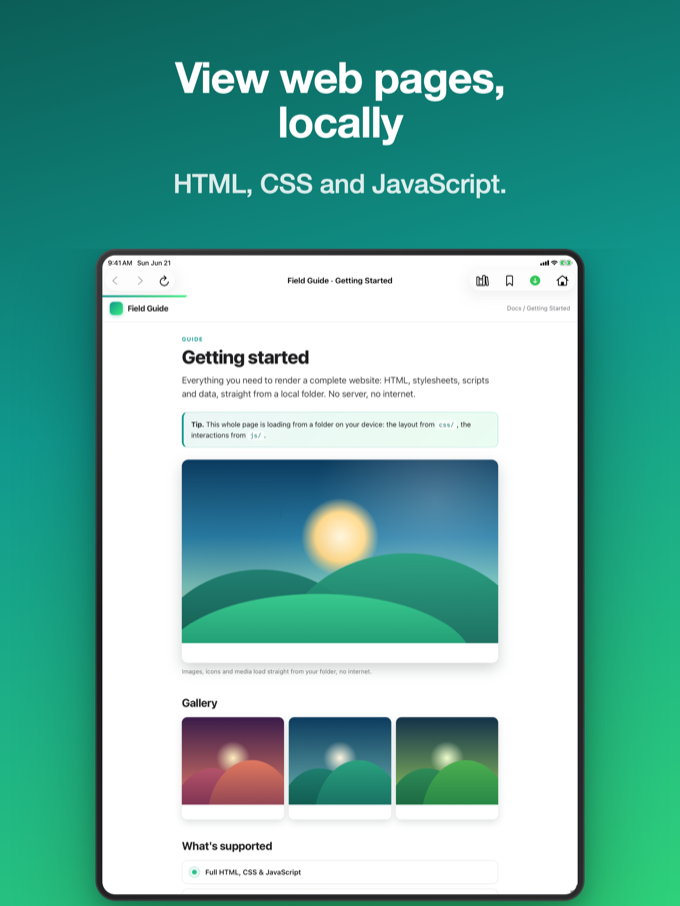
Pagira showing a full local website on iPad

A real reader for local content

Whole websites and PDFs, rendered properly - online or off.

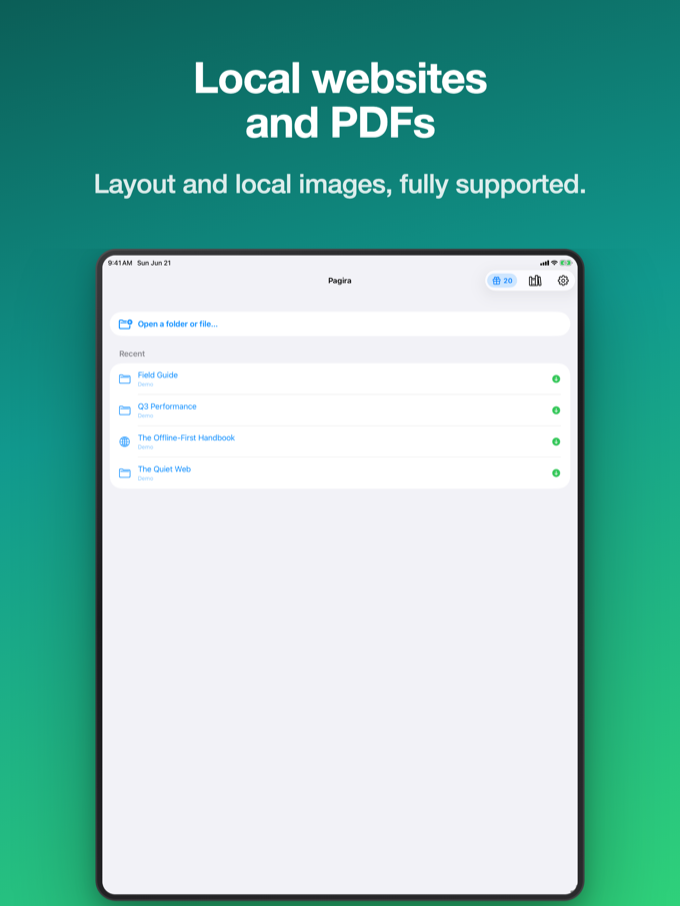
Pagira home screen on iPad with recent websites and PDFs

Open full local websites

Open a whole website folder and Pagira shows it exactly as it was designed - the layout, images, styles and linked pages all work, even the interactive parts. Everything stays on your device.

  • Whole folders, sub-pages included
  • Looks and works like the real site
  • Even rich, interactive pages
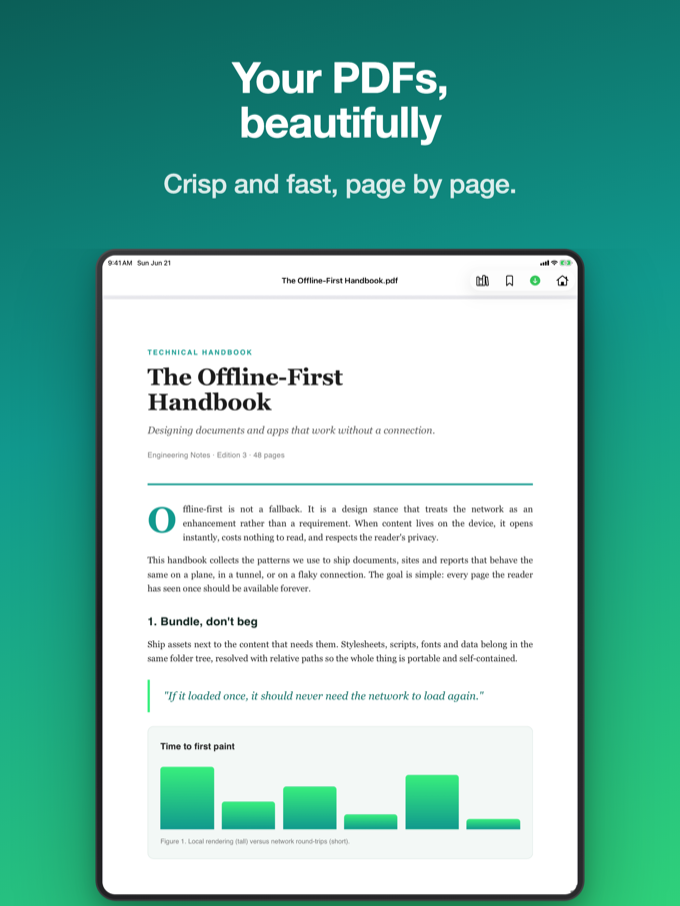
Pagira PDF reader on iPad

Built-in PDF reader

Open your PDFs in a clean, fast reader: smooth scrolling, pinch to zoom, and easy page-to-page navigation. Tap a PDF link inside a web page and it opens right there - swipe back to return.

  • Fast, built-in PDF reader
  • Scroll, zoom and multi-page
  • PDF links inside a page open inline
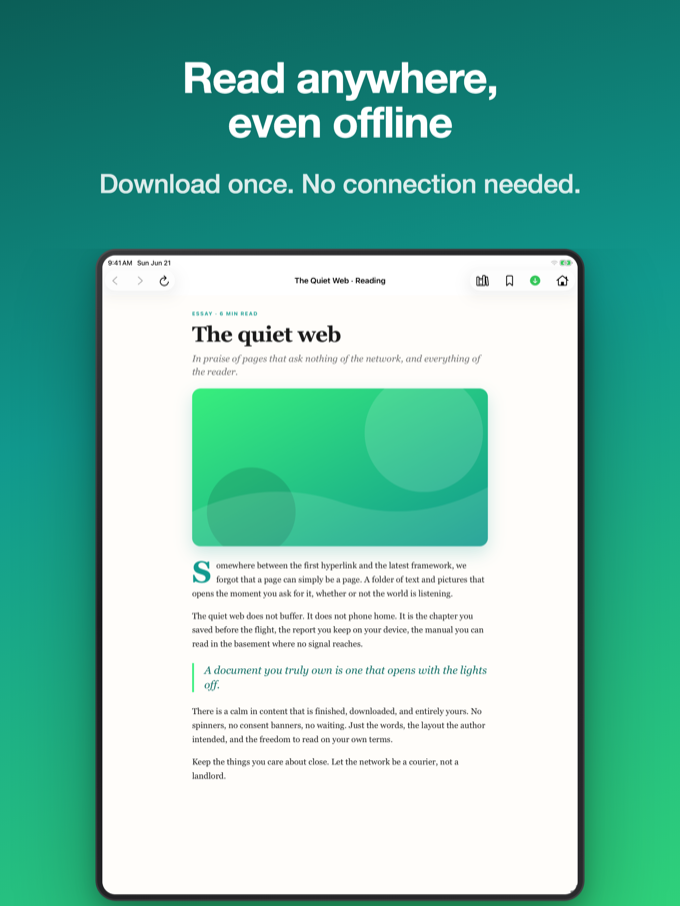
Pagira reading offline on iPad with no connection

Stream from iCloud, or save for offline

Items in iCloud Drive stream on demand - assets download as you read, like Netflix, with no upfront wait. Heading off the grid? Download a permanent offline copy: resumable, non-destructive, and visible in Files.

  • On-demand iCloud streaming
  • Download for offline, resumable
  • Offline banner for what's available
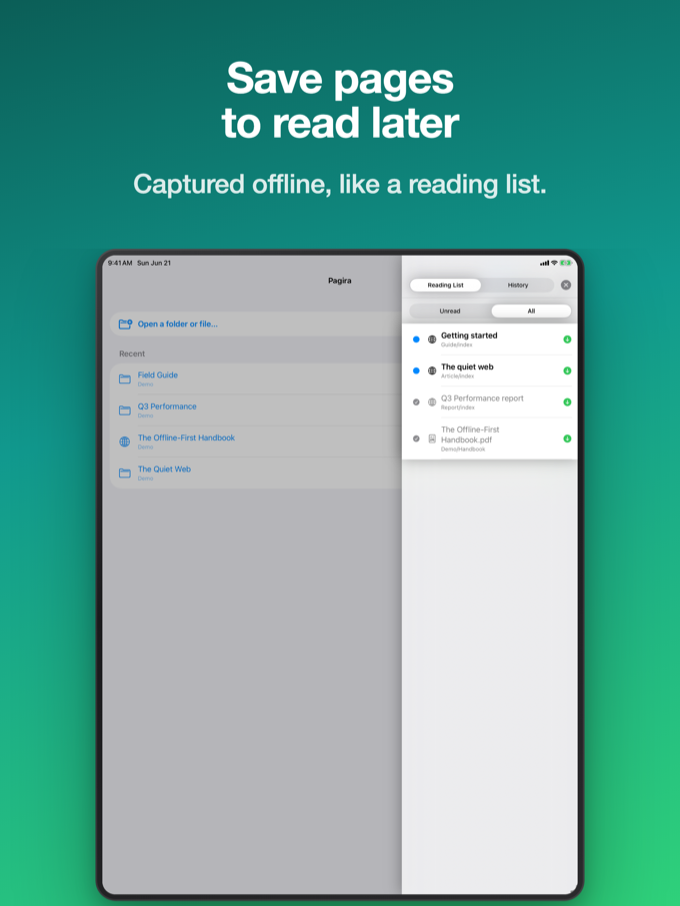
Pagira reading list panel on iPad

A reading list, Safari-style

Save the current page or PDF to a side panel. Each item is saved as a complete snapshot - the full page or a PDF copy - so it stays available offline. Filter by read or unread, mark items, and remove what you're done with.

  • Complete page snapshots
  • Always available offline
  • Read / unread filter
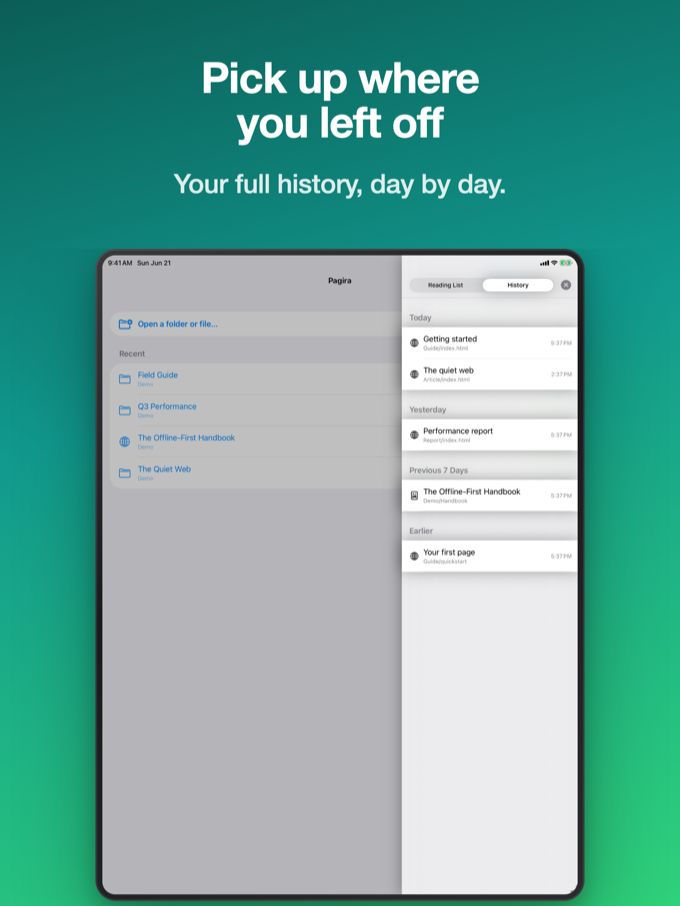
Pagira history with recent items on iPad

Open from anywhere, pick up where you left off

Use "Open with Pagira" from Files or any app to open a website or a PDF. A navigation bar gives you back, forward, reload and the title of the current page. Recent items are remembered, and Pagira can reopen your last one on launch.

  • "Open with Pagira" from Files
  • Back / forward / reload + page title
  • Recents and reopen on launch

And more...

Small touches that make local reading effortless.

Folder or single file

Open a whole site folder, or just a single HTML page or PDF - whatever you have on hand.

Drop sites via Files

Pagira's folder shows up in the Files app, so you can copy sites in from Finder or Files directly.

Inline PDF links

A link to a PDF inside an HTML page opens in place - swipe back to return to the page.

Recent items

Recently opened sites and PDFs are remembered for one-tap access.

Offline aware

An offline banner makes it clear which items you can still open without a connection.

iPhone & iPad

One app designed to feel at home on both iPhone and iPad.

Reopen on launch

Turn on a setting to jump straight back into your last item every time you open Pagira.

Privacy first

Everything runs locally on your device. Your files are never uploaded or shared.

Built for real local sites

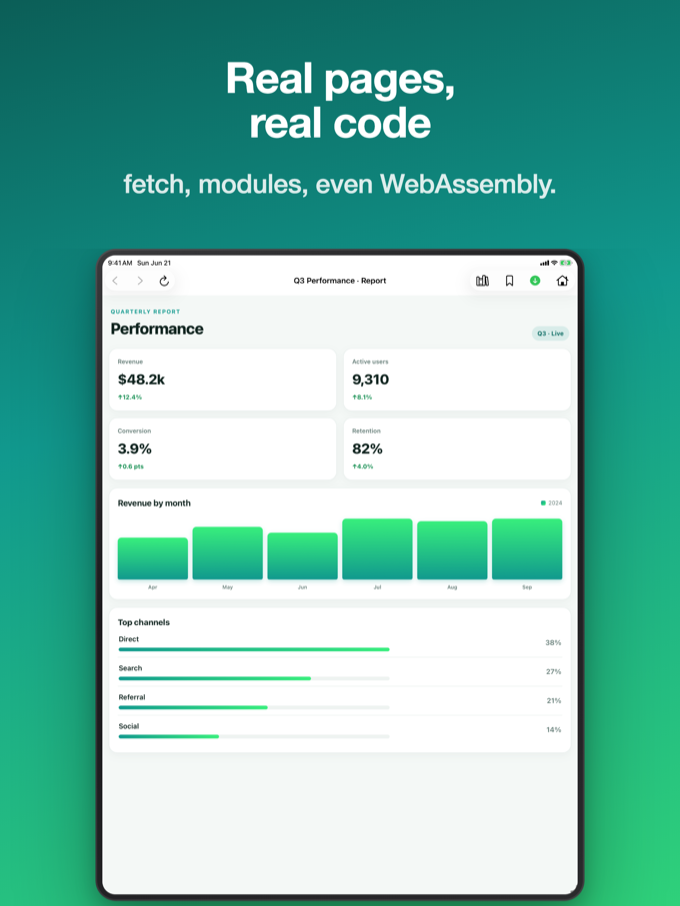
From simple pages to rich, interactive sites - it just works.

Pagira showing a rich, interactive page on iPad
Full websites Layouts & styles Images & media Interactive pages PDF documents Offline reading iCloud Drive iPhone & iPad

Simple pricing

One purchase, yours forever. No subscription.

Pagira

Full access to every feature

$4.99

One-time purchase

  • Universal app for iPhone & iPad
  • Full local website rendering
  • Native PDF reader
  • iCloud streaming & offline downloads
  • Reading list with offline snapshots
  • All future updates included
App Store Soon

Designed for iPhone and iPad.