Back to home
Open with Pagira from Files or any app
Use Open with Pagira from Files or another app, navigate with a real toolbar, and pick up at the right page, even on your other device.
Use Open with Pagira from Files or another app, navigate with a real toolbar, and pick up at the right page, even on your other device.
The biggest obstacle to local reading on iOS is not the rendering, it is the access. A file arrives by email, by AirDrop or from a drive, and the question becomes how to open it with the right tool.
Use Open with Pagira from Files or from any app to open a site, a PDF, a book or a comic. No import step, no copy to organise: you start from the file where it already is.
A bar gives you back, forward, reload and the title of the current page. That is what separates reading a site from displaying a file: you move through the content instead of putting up with it.
Recently opened sites, documents and folders appear on Home, next to what you are currently reading and your favorites. Picking up yesterday's work does not mean finding the file path again.
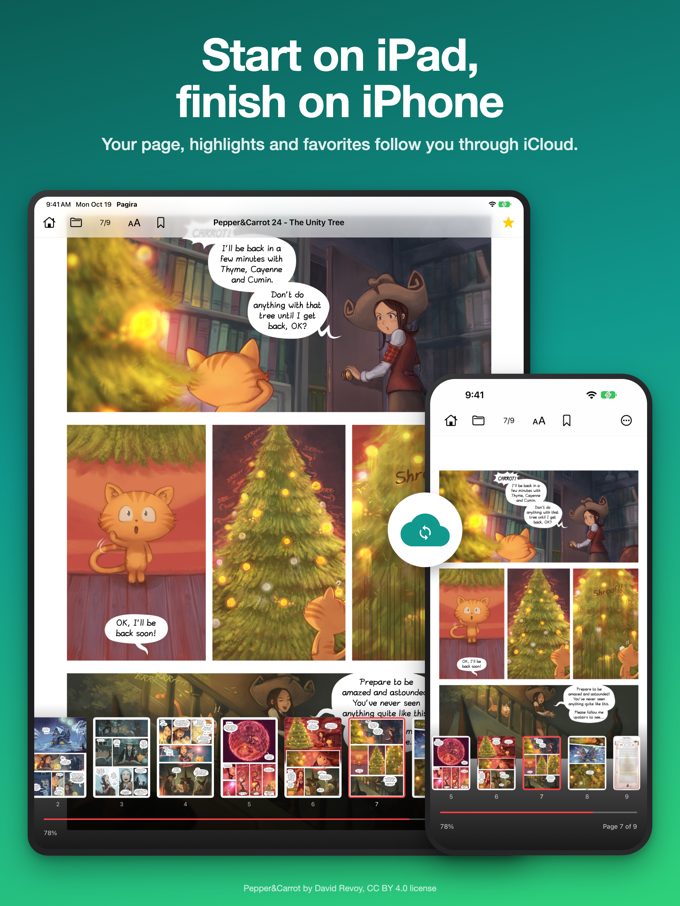
Every document reopens at the page where you left it. With iCloud, that holds on your other device too: a book stored in iCloud Drive, started on the iPad, carries on on the iPhone.
A setting reopens your last item every time you open Pagira. For a documentation set you consult all week, that removes the navigation step entirely.