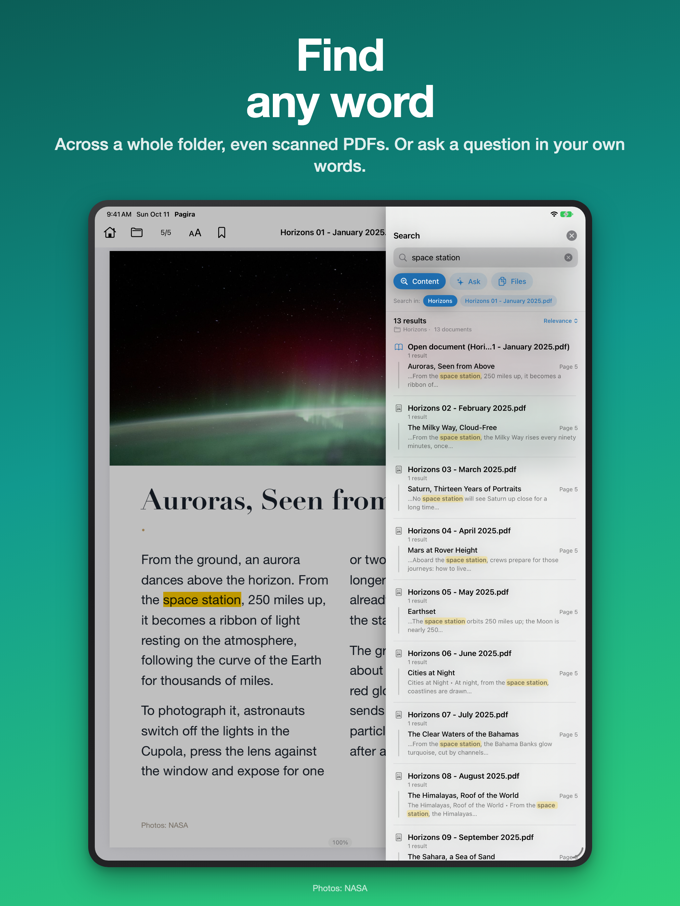
Full text search assumes you remember the words. Often you do not. You know what you are after - "how do I bleed the brake circuit", "what to do if the module will not start" - but not the exact term used by whoever wrote the manual.
So next to search, the Ask tab takes the question the way you would put it to a person.
The question, then the passages
Type your question in everyday language. Pagira brings back the passages that answer it, each one with its document, its chapter and its pages. You tap the one that looks right, and you land on it.
It shows you the page, not a copied answer
This is the most important point, and it is a deliberate choice: Pagira does not write an answer. It takes you to the right place, and you read the document.
The reason is simple. On technical documentation, a written answer is a reconstructed answer: it readily mixes two neighbouring procedures, keeps a figure that belonged to the other model, and presents the lot with the same confidence. On a torque figure, a dosage or a safety instruction, that cannot be walked back.
The text you read in Pagira is the text of your document, on its page, in its context. You see what is around it, and you see where it came from.
Better understood on recent devices
On iPhones and iPads with Apple Intelligence, the question is better understood: synonyms, rephrasings, indirect turns of phrase. It is not a requirement. Without Apple Intelligence the feature still works, it is simply a little more literal.
On the device, offline
Everything happens on your device, including when Apple Intelligence is involved. No server is called, no account is asked for, and neither your question nor the content of your documents leaves the iPhone or iPad. So you can put a question to your documentation in a workshop, on board, or on a ward, where there is no signal.
Two ways to search, in the same app
The two tabs are not rivals. When you know the exact term, full text search is faster and safer. When you do not, the question brings you back to it. Either way, what you get at the end is the same thing: the page of your document.