FBX and game asset viewer for Mac
View, check and convert your game assets without opening Blender or your engine: FBX, glTF, USD and Unity packages, with their animations, skeleton and textures.

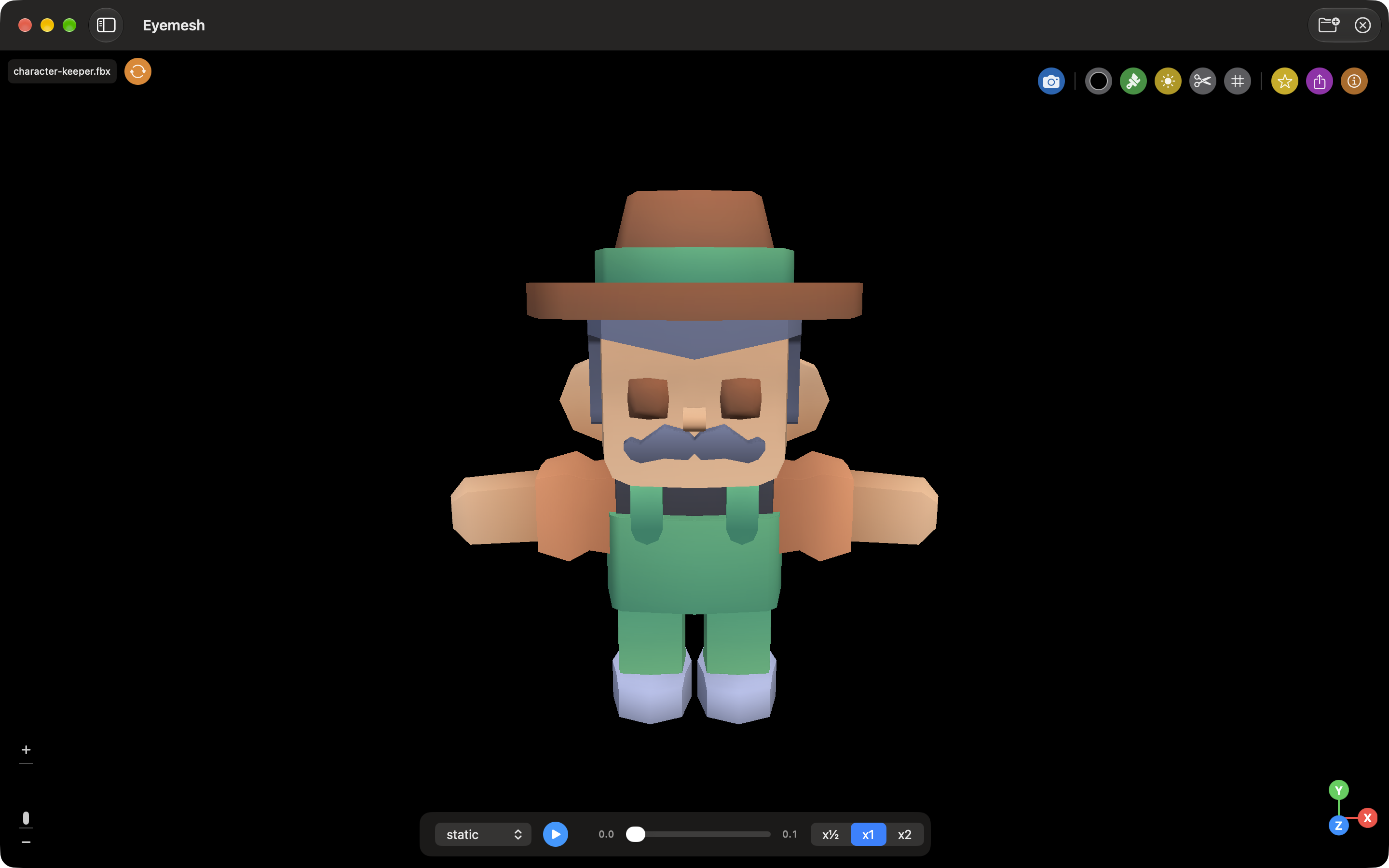
View, check and convert your game assets without opening Blender or your engine: FBX, glTF, USD and Unity packages, with their animations, skeleton and textures.
Eyemesh opens an FBX, GLB or USD with a double-click, or with the space bar in Finder through QuickLook. In a folder of packs, thumbnails show each model instead of a generic icon. For the practical question of how to open an FBX on a Mac, see opening an FBX file on Mac.
If you handle 3D assets for a game, Eyemesh saves you from opening heavy software just to look:
Bought packs, free kits, your own exports: find the right asset without importing anything into the project.
Check an export before sending it: mesh, materials, textures and triangle count.
Check a character's clips, duration and skeleton without relaunching Blender.
Tags and notes live in the folder: share the folder and the organisation comes with it.
Browse whole packs in minutes to pick the assets for a prototype.
HD images and 360° videos for your store listings and portfolio.
Open a .unitypackage and see its prefabs assembled and textured, without Unity.
Open students' work on any Mac, without installing a creation suite.
Details in fixing an FBX's missing textures and checking an FBX's animations and skeleton.
.unitypackage like a folder;See opening a .unitypackage without Unity.
Eyemesh exports to GLB, glTF, USDZ, OBJ, STL or 3MF, one file or a whole batch at a time, with texture fixes applied. Choosing the right format for Unity, Unreal or Godot is explained in FBX, glTF or USD: which format for your engine.
For videos, see making a turntable video of your asset.
Tags, notes and star ratings without modifying the files, favourites by project, search across names, tags and notes. The full method is in organising your 3D game asset library.
No. Eyemesh opens FBX, glTF, USD and Unity packages directly on macOS, with a double-click or the space bar in Finder.
Yes. Pick the clip, set the speed, scrub the timeline and show the skeleton.
Eyemesh looks for textures in neighbouring folders and flags the missing ones. You can then assign them slot by slot, once and for all.
Yes. Eyemesh opens it like a folder and shows its prefabs assembled and textured.
No. Everything happens on your Mac: no account, no upload.
Open your first asset pack in seconds. 7-day free trial.